 Arkana Tools Roadmap
 Paper Map Generator
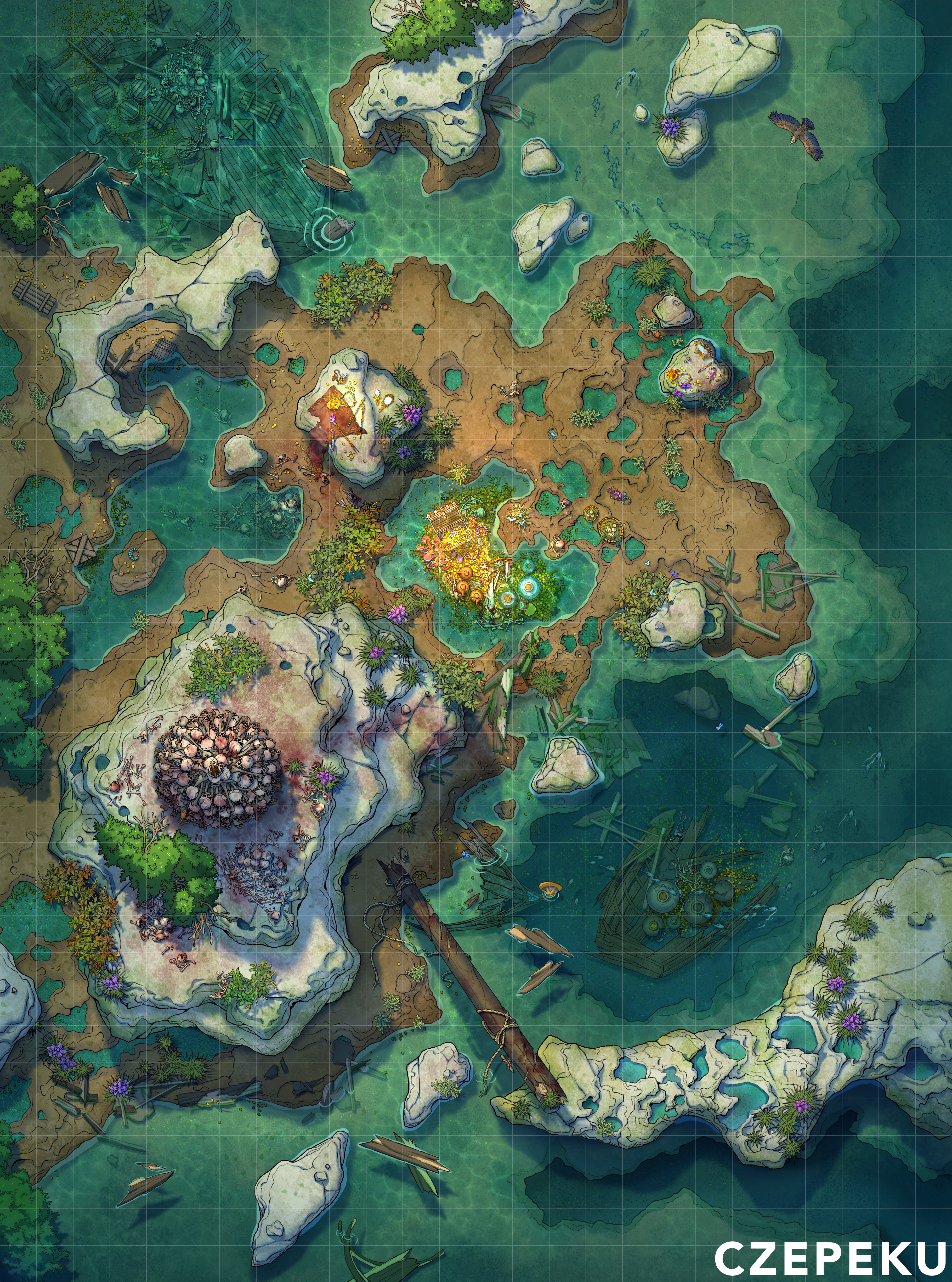
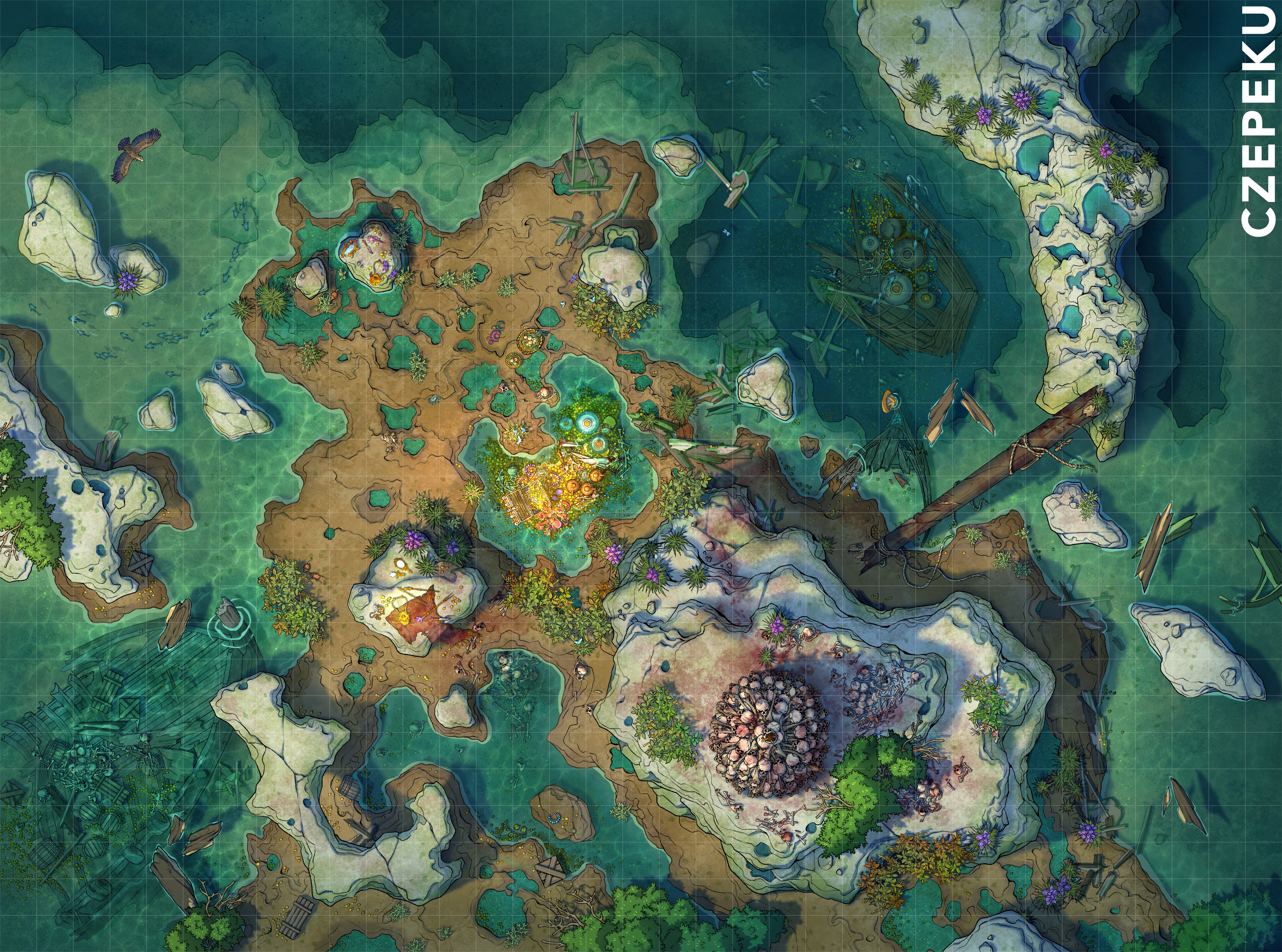
Rotating a map image 90° before uploading it can change how many pages the PDF uses. The same map, uploaded rotated, sometimes gives a different page count.
How to fix it (keep it simple, this should touch almost only GetMapPieceCount in scripts/pdfmaker.js): before any other calculation, work out how many pieces the map produces in four ways:
- the map as uploaded, on portrait paper
- the map as uploaded, on landscape paper
- the map rotated 90°, on portrait paper
- the map rotated 90°, on landscape paper
Then always use the option with the fewest pieces. The PDF then comes out with the same number of pages however the image was rotated when it was uploaded.
Test images: Sirens_Shore.jpg, Sirens_Shore_copy.jpg
Comments 0
No comments yet. Be the first to reply.